Customising Microsoft Dynamics 365 to suit specific business processes can be both expensive and time-consuming. Traditionally, businesses relied on developers to write custom code, which often led to long project timelines and high costs.
Enter the Microsoft Power Platform a suite of low-code/no-code tools including Power Apps, Power Automate, Power BI, and Power Virtual Agents which allows businesses to extend Dynamics 365 functionality rapidly and cost-effectively.
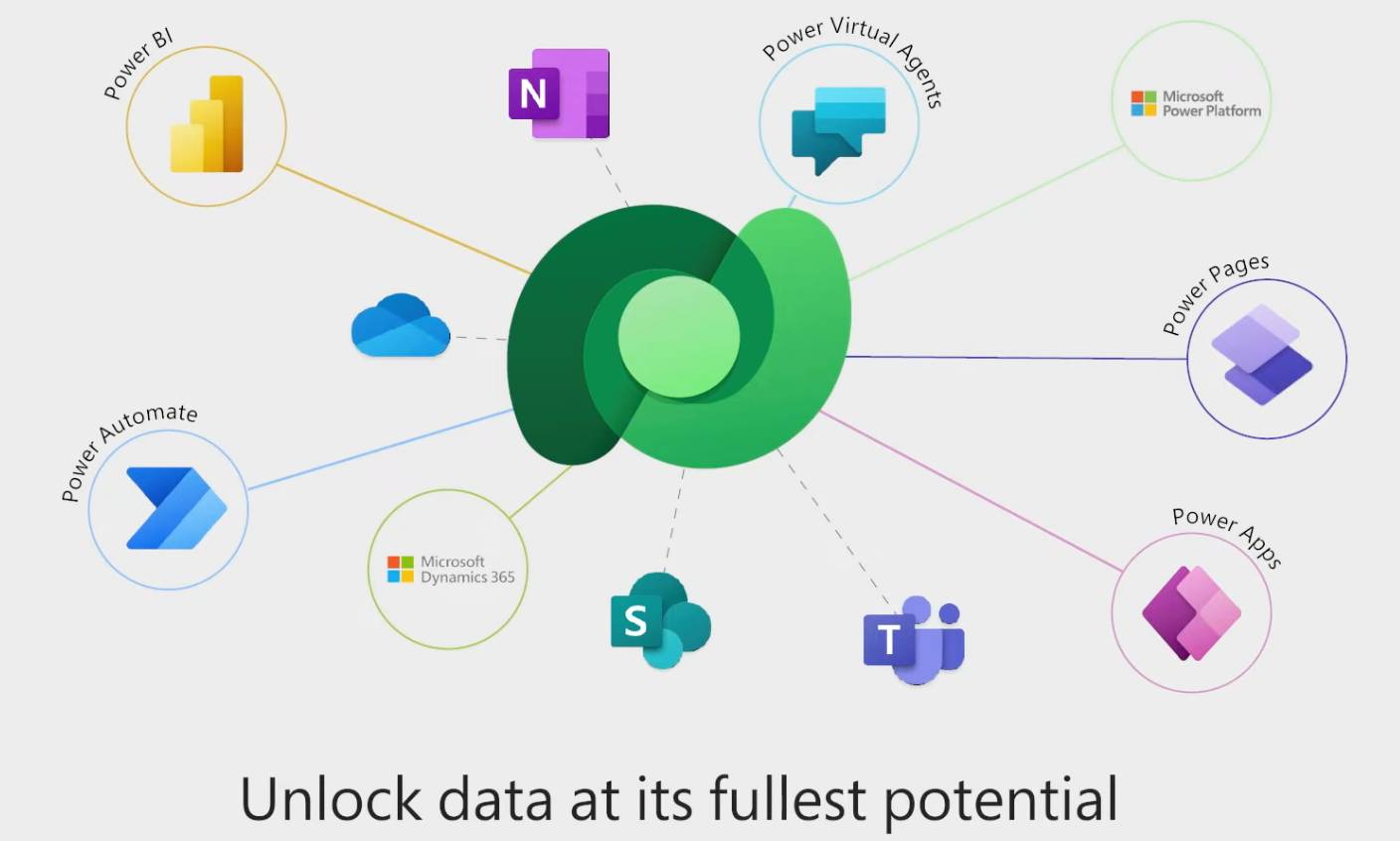
In this article, we’ll explore how integrating the Power Platform with Dynamics 365 can reduce customisation costs, speed up deployment, and provide scalable, secure solutions for Australian businesses. At the end, we’ll explain why consulting a partner like Austral Dynamics can maximize your investment.
Dynamics 365 Customisation vs Low-Code Power Platform Solutions
| Feature / Criteria | Traditional Customisation (Code) | Power Platform Low-Code Solutions |
| Development Time | Weeks to months | Days to weeks |
| Cost | High (consultants, developers) | Moderate (low-code, internal team possible) |
| Technical Skills Required | Advanced (developers, IT teams) | Basic to intermediate (business users / analysts) |
| Flexibility / Customisation | High, unlimited | Moderate; extensive for most business needs |
| Maintenance | High (code updates, bug fixes) | Low to moderate (easy adjustments, Power Automate flows) |
| Integration with Dynamics 365 | Requires coding/API knowledge | Native connectors for all Dynamics 365 apps |
| Risk of Errors | Medium to high (complex code can fail) | Low (pre-built templates and guided development) |
| Scalability | High, but costly | Moderate to high (scalable with Azure integration) |
| Governance & Security | Requires strict IT governance | Built-in security, role-based access, audit logging |
| Ideal Use Cases | Complex, enterprise-specific solutions | Workflow automation, apps for sales, service, HR, finance |
Understanding the Power Platform
The Microsoft Power Platform is composed of four key tools:
Power Apps
- Build custom applications without coding.
- Ideal for mobile apps, internal business apps, or workflow tools.
- Seamlessly connects with Dynamics 365, Microsoft 365, and other cloud services.
Power Automate
- Automates repetitive processes, e.g., approval workflows, notifications, or data syncing.
- Reduces manual work and errors.
- Native connectors to Dynamics 365 apps enable fast automation deployment.
Power BI
- Provides data visualization and reporting.
- Integrates directly with Dynamics 365 to create dashboards for finance, sales, operations, and HR.
Power Virtual Agents
- Build chatbots to handle FAQs, customer service requests, or internal processes.
- Can integrate with Dynamics 365 to pull or update data automatically.
Traditional Customisation vs Low-Code Approach
Traditionally, Dynamics 365 customisation involved:
- Hiring developers or consultants.
- Writing code to create forms, workflows, or integrations.
- Debugging, testing, and maintaining custom code.
- High costs and long implementation timelines.
With Power Platform low-code solutions:
- Business analysts or “citizen developers” can create apps or workflows without advanced coding.
- Faster development cycles: days to weeks vs weeks to months.
- Lower cost: reduces reliance on expensive development teams.
- Easier maintenance: updates can often be made directly by the business.
- Secure and governed: Power Platform includes audit logging, role-based access, and compliance features.
How Low-Code Apps Reduce Customisation Costs
Lower Development Costs
- Hiring developers for full customisation can cost AU$ 150–250/hour or more.
- Low-code apps allow internal staff or partners to build solutions using drag-and-drop tools.
- Example: Creating a sales approval workflow with Power Automate can take a few hours instead of weeks, reducing development cost by 70–80%.
Faster Deployment
- Traditional code-based projects often face delays due to debugging, testing, and integration issues.
- Low-code apps can be tested and deployed rapidly.
- Faster deployment means faster ROI and less disruption to business operations.
Scalable Solutions
- Power Platform apps can start small and grow with the business.
- Integrate with additional Dynamics 365 modules or other Microsoft 365 services without rewriting code.
- Ideal for companies expecting growth or process changes.
Reduced Maintenance Costs
- Traditional code requires continuous maintenance, updates, and patching.
- Power Platform solutions are easier to maintain, with built-in templates, connectors, and automation updates.
- Less dependency on external developers reduces ongoing support costs.
Empowering Business Users
- Citizen developers can create solutions closer to the business problem, ensuring apps truly fit user needs.
- Reduces reliance on IT for minor customisations or process changes.
- Improves adoption rates and employee satisfaction.
Use Cases: Power Platform + Dynamics 365 in Australian Businesses
| Use Case | Solution Type | Benefits |
| Automating Purchase Approvals | Power Automate | Saves hours per week, ensures compliance, reduces errors |
| Sales Dashboard | Power BI | Real-time insights, faster decision-making |
| Customer Support Bot | Power Virtual Agents | Handles common queries, improves service levels, reduces manual workload |
| Employee Onboarding | Power Apps | Streamlined workflows, consistent documentation, faster onboarding |
| Inventory Alerts | Power Automate + Power Apps | Automated notifications when stock is low, reduces stockouts |
Licensing and Costs in Australia (2025)
Power Apps
- Per App Plan: AU$ 16.90/user/app/month
- Per User Plan: AU$ 42.30/user/month (unlimited apps)
Power Automate
- Per User Plan: AU$ 33.60/user/month
- Per Flow Plan: AU$ 160/flow/month
Power BI
- Pro License: AU$ 15.70/user/month
- Premium per Capacity: AU$ 4,500/month
Actual costs depend on number of users, apps, and flows. Partner guidance can optimize licensing.
Integration with Dynamics 365
Power Platform connects natively with all Dynamics 365 applications:
- Finance & Operations: Automate procurement, HR workflows, or reporting.
- Business Central: Build apps for project management, approvals, or inventory alerts.
- Sales & Customer Service: Automate email notifications, approvals, dashboards, and chatbots.
Benefits:
- Minimal coding required.
- Secure, role-based access managed through Azure Active Directory.
- Reduced risk of errors during integration.
- Scalability to enterprise needs as business grows.
Why You Should Work with Austral Dynamics
While low-code reduces costs, proper planning ensures solutions are secure, scalable, and aligned with your business processes. Austral Dynamics can help:
- Identify processes best suited for low-code automation.
- Design and implement apps, flows, and dashboards.
- Optimize Power Platform licensing to minimize costs.
- Provide training for citizen developers.
- Ensure governance, security, and compliance.
Working with a partner ensures that your Power Platform + Dynamics 365 solution delivers maximum ROI without surprises.
FAQs
Can Power Platform replace developers entirely?
Not completely. Low-code handles most business process automation and apps, but complex enterprise integrations or highly customized solutions may still require developers.
How much can we save by using Power Platform?
Depending on complexity, Australian businesses can reduce customisation and implementation costs by 50–70% compared to traditional coding.
Do we need separate licenses for Power Apps and Dynamics 365?
Yes, Dynamics 365 licenses cover core functionality; Power Platform licenses are additional, but you can often optimize the combination with a Microsoft partner.
How long does it take to implement a Power Platform solution?
Simple workflows or apps can be deployed in days to weeks. More complex automation may take a few months, depending on business needs.